🖥️
Declarative UI System
Define UIs with simple Lua tables — element types, positions, styles, and event handlers. No C# or Unity knowledge needed.
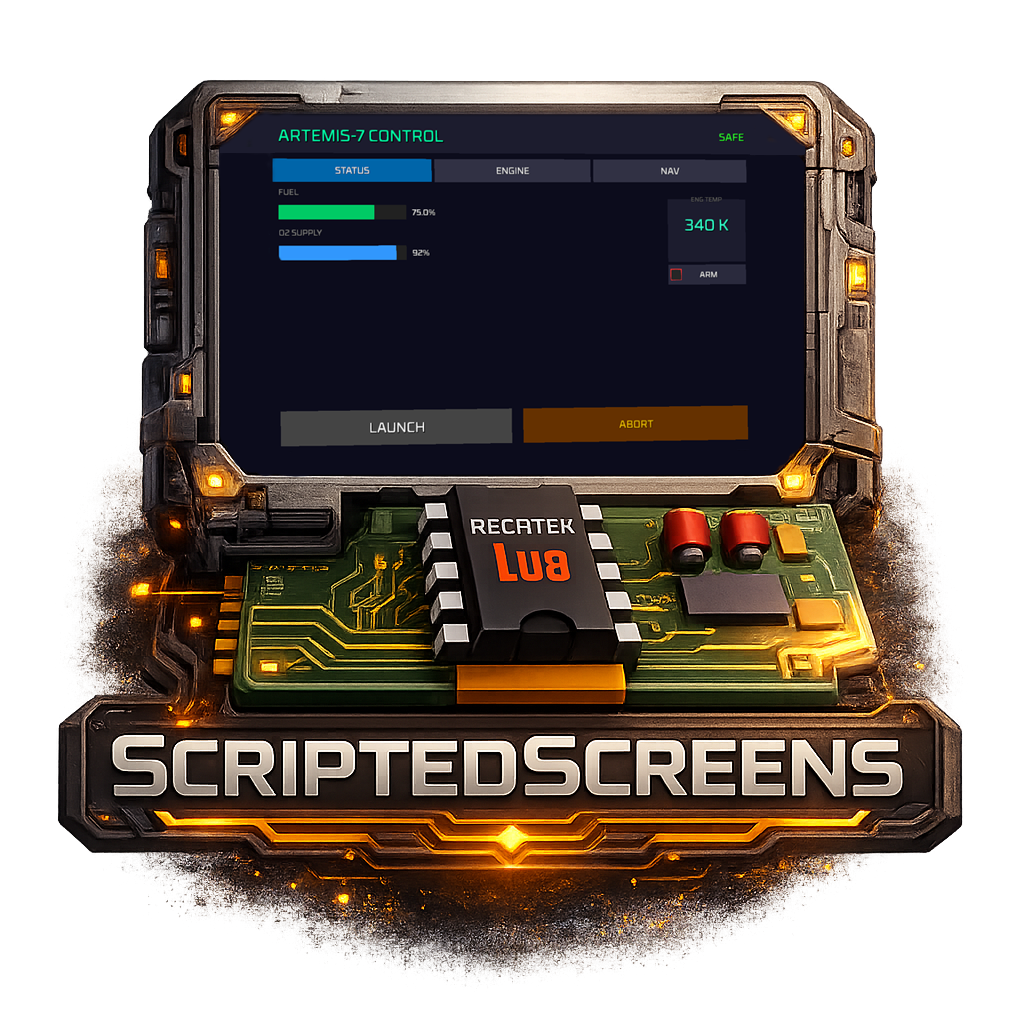
Build interactive dashboards, visor HUDs, control panels, and games - all rendered in-game with Lua
local ui = ss.ui.surface("main")
ss.ui.activate("main")
ui:clear()

ui:element({
    id = "title",
    type = "label",
    rect = { unit = "px", x = 20, y = 10, w = 200, h = 30 },
    props = { text = "STATION STATUS" },
    style = { font_size = 18, color = "#22C55E" }
})

ui:element({
    id = "btn",
    type = "button",
    rect = { unit = "px", x = 20, y = 50, w = 120, h = 36 },
    props = { text = "CLICK ME" },
    style = { bg = "#334155", text = "#FFFFFF" },
    on_click = function(player) print("Clicked by " .. player) end
})

ui:commit()New to ScriptedScreens?
Start with the Getting Started guide for a step-by-step walkthrough, or browse the Example Gallery for copy-paste inspiration.
AI-Generated Documentation
This documentation was AI-generated and may contain inaccuracies. If you find errors, please submit a pull request with corrections.